AI Email Outreach: How to Personalize 1000+ Cold Emails

Sending 1,000 personalized cold emails manually would take weeks. With AI, you can achieve genuine personalization at scale — emails that feel individually crafted but are generated automatically.
This guide shows you how to build an AI-powered email outreach system that personalizes at the individual level while sending at the volume level.
Why AI Personalization Changes Outreach
AI enables genuine personalization at scale — something impossible with manual methods.
Traditional cold email dilemma:
- Personalized emails get 2-3x higher response rates
- Manual personalization takes 5-10 minutes per email
- Volume requirements make manual personalization impossible
- Result: Most cold emails are generic and ignored
AI-powered solution:
- Research each prospect automatically
- Generate personalized opening lines
- Reference specific company details
- Scale to 1,000+ emails with individual touches
The difference between "Hi [FirstName], hope you're well" and "Hi Sarah, saw your LinkedIn post about the HubSpot migration — dealing with that data cleanup must be frustrating" is the difference between ignored and replied.
The AI Personalization Stack
 Building an AI email system requires the right combination of tools.
Core Components
1. Lead Data Source
- Apollo.io — Lead database with email addresses
- LinkedIn Sales Navigator — Profile data
- Hunter.io — Email verification
2. AI Research Layer
- ChatGPT/Claude — Process company information
- Perplexity — Research recent news
- Clay — Automated enrichment
3. Email Personalization
- AI-generated opening lines
- Company-specific pain points
- Recent news/activity references
4. Sending Infrastructure
- Instantly.ai — Cold email sending
- Lemlist — Personalized outreach
- Apollo.io — Built-in sequences
Step 1: Building Your Lead List
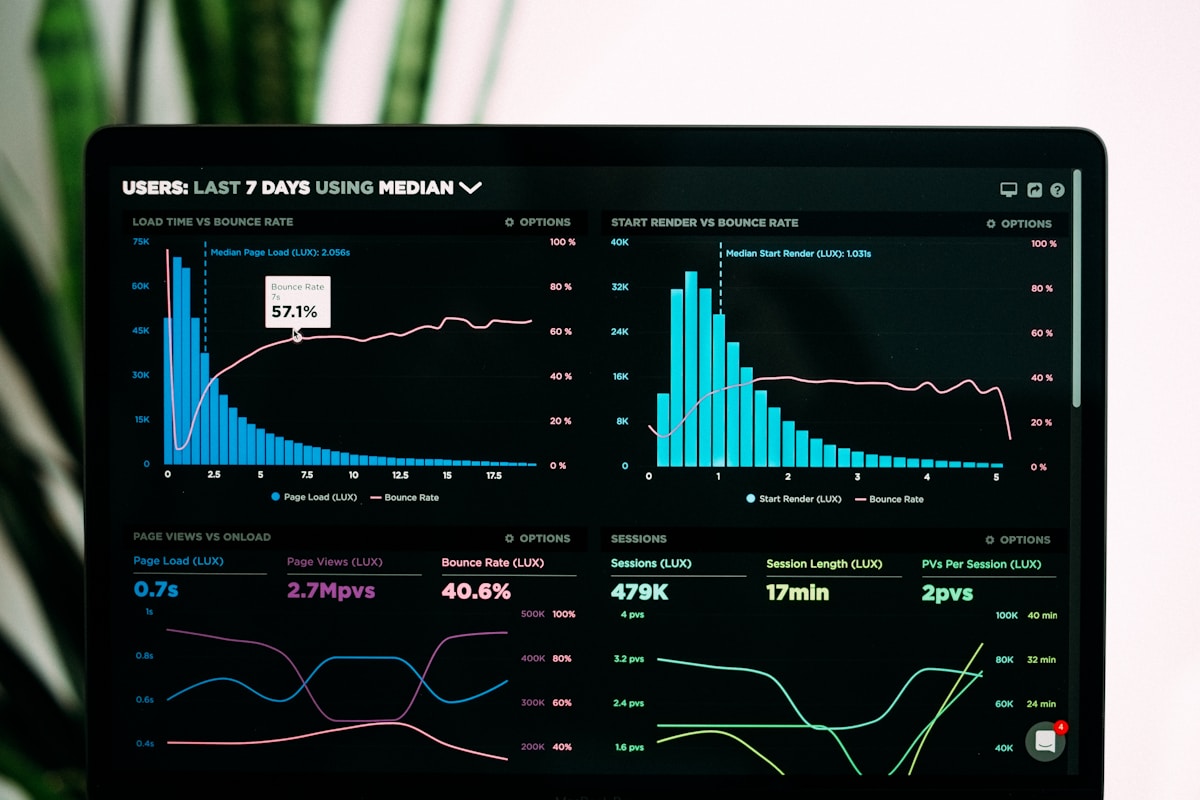 Quality lead data is the foundation of effective AI-personalized outreach.
Lead Qualification Criteria
Before personalizing, ensure leads match your ICP:
Firmographic filters:
- Company size (employees, revenue)
- Industry/vertical
- Technology stack
- Geography
- Funding stage
Contact filters:
- Job title/seniority
- Department
- Decision-making authority
Lead Enrichment Data
For AI personalization, gather:
- Company description
- Recent news/announcements
- LinkedIn activity
- Technology used
- Pain points (from job postings)
Tools: Apollo.io, Clearbit, and Clay automate this enrichment.
Step 2: AI Research Prompts
 Structured prompts generate consistent, high-quality personalization.
Company Research Prompt
Research this company for a cold email personalization:

Company: [NAME]
Website: [URL]
Industry: [INDUSTRY]

Find:
1. One recent company news item or announcement
2. A specific pain point they likely face
3. A relevant connection to our solution: [DESCRIPTION]
4. A personalized opening line referencing something specific

Keep all outputs under 50 words each.
LinkedIn Activity Prompt
Based on this LinkedIn profile summary, create a personalized
email opening line:

Name: [NAME]
Title: [TITLE]
Recent posts/activity: [SUMMARY]
Company: [COMPANY]

Requirements:
- Reference something specific they've shared
- Connect to how our product helps with that topic
- Be conversational, not salesy
- Under 30 words
Pain Point Identification Prompt
This company is hiring for these roles:
[JOB TITLES]

Based on these job postings, identify:
1. What challenges they're likely facing
2. What capabilities they're trying to build
3. How our solution addresses these needs

Be specific to their situation, not generic.
Step 3: Email Template Structure
 Templates provide structure while AI fills in personalized elements.
High-Converting Template Framework
Subject: [AI-personalized subject line]

[AI-personalized opening line — references specific
company/person detail]

[Bridge sentence connecting their situation to the problem]

[1-2 sentences about your solution's relevance]

[Social proof — one specific result]

[Low-friction CTA — question or offer]

[Sign-off]
Example: Before AI
Subject: Quick question about your marketing

Hi [FirstName],

I hope this email finds you well. I'm reaching out because
I think you might be interested in our marketing automation
platform.

We help companies like yours improve their marketing results.

Would you be open to a quick call?

Best,
[Name]
Example: After AI Personalization
Subject: Your HubSpot migration (and the data headaches)

Hi Sarah,

Saw your LinkedIn post about migrating from Pardot to HubSpot —
that field mapping nightmare is real. When we moved from Salesforce
to HubSpot last year, we lost two weeks to data cleanup alone.

Quick question: Did the migration impact your lead scoring accuracy?
We helped TechCorp recover their scoring model post-migration and
got them back to baseline in 10 days.

If that's still a pain point, I can share what worked for them?

Best,
[Name]
The second email gets 3-5x higher response rates because it feels individually written.
Step 4: Automation Workflow
 Connecting tools creates an automated yet personalized outreach system.
Clay + AI Workflow
- Import leads to Clay — From Apollo, LinkedIn, or CSV
- Enrich with company data — Automatic enrichment
- AI research step — ChatGPT analyzes each company
- Generate personalized lines — AI creates unique openers
- Export to sending tool — Push to Instantly.ai or Lemlist
- Send sequences — Automated follow-ups
Automation Rate Limits
Safe sending practices:
- New domains: 5-10 emails/day, slowly increase
- Warmed domains: 50-100 emails/day max
- Space emails 2-3 minutes apart
- Stop at 1-2% bounce rate
Personalization at scale:
- AI research: Process 100 leads in minutes
- Manual review: Spot-check 10% for quality
- Total time: 1 hour for 100 personalized emails
Step 5: Follow-Up Sequences
 Strategic follow-ups increase response rates without being annoying.
4-Email Sequence Structure
Email 1: Personalized initial outreach
- AI-researched opening
- Specific value proposition
- Low-friction CTA
Email 2: (Day 3) — Add value
- Share relevant resource
- Reference original email briefly
- No hard sell
Email 3: (Day 7) — Social proof
- Case study or result
- "Companies like you" angle
- Soft CTA
Email 4: (Day 14) — Breakup email
- Acknowledge timing may not be right
- Leave door open
- Clean close
AI for Follow-Ups
Generate 3 follow-up emails for this initial email:
[Initial email]

Requirements:
- Email 2: Add value with a relevant tip
- Email 3: Include a case study reference
- Email 4: Polite closing/breakup

Keep same tone, reference original email, be brief.
Measuring and Optimizing
 Data-driven optimization improves results over time.
Key Metrics
| Metric | Target | What It Tells You |
|---|---|---|
| Open rate | 60%+ | Subject line effectiveness |
| Reply rate | 10-15% | Message resonance |
| Positive reply | 5-8% | Offer/product fit |
| Meeting booked | 2-5% | CTA effectiveness |
| Bounce rate | <1% | List quality |
A/B Testing Framework
Test one variable at a time:
- Subject lines (biggest impact)
- Personalization depth
- CTA style (question vs. offer)
- Email length
- Send time/day
Sample sizes:
- Minimum 100 emails per variant
- Run for full week to control for day effects
- Statistical significance before declaring winner
Frequently Asked Questions
 Common questions about AI-powered email outreach.
Isn't this spammy?
It depends on execution. Relevant, personalized outreach to appropriate prospects isn't spam — it's sales. Generic mass emails to unqualified lists is spam. AI enables the former at scale.
What about GDPR and CAN-SPAM?
- Include clear unsubscribe option
- Honor opt-outs immediately
- B2B outreach has different rules than B2C
- Consult legal for specific requirements
How much personalization is enough?
Opening line personalization delivers most of the benefit. After that, diminishing returns. One specific reference is worth more than three generic ones.
What response rate should I expect?
With strong personalization: 10-20% reply rate, 5-10% positive Without personalization: 1-3% reply rate, 0.5-1% positive Quality of list and offer matter as much as personalization.
Should I use AI for the entire email?
Opening line and subject line benefit most from AI. The body can follow templates since everyone gets similar value props. Focus AI effort where it matters most.
Conclusion
 AI transforms cold outreach from mass spam to scaled personalization.
AI-powered email outreach isn't about sending more emails — it's about sending better emails at scale. The personalization that previously limited you to 10-20 quality emails per day now scales to hundreds.
Key takeaways:
- Lead quality first — AI can't fix bad targeting
- Research before writing — AI needs input to personalize
- Opening lines matter most — Focus AI effort there
- Templates still work — Structure + personalized opening
- Measure and iterate — Data-driven optimization
For a unified approach to AI-powered outreach and marketing automation, Automarck is building the platform designed specifically for SaaS growth.
Ready to scale your outreach? Start with 50 leads, run them through the AI research workflow, and compare response rates to your generic templates. The difference will convince you.
More Articles

A/B Testing Your Email Campaigns: Statistical Significance Guide
Master A/B testing for email marketing with this guide to statistical significance, sample sizes, and avoiding common testing mistakes.

Best Email Marketing Automation Platforms for 2026
Compare the top email marketing automation platforms in 2026. Find the perfect solution for your business with our comprehensive guide.

How to Build Customer Journeys That Convert
Learn how to design and implement customer journeys that guide prospects from awareness to purchase with marketing automation best practices.