Customer Data Platforms Explained: What is a CDP? Segment vs mParticle vs Bloomreach

Modern marketing runs on data. Customer interactions happen across websites, mobile apps, email, social media, customer support, and physical stores. Each touchpoint generates valuable data — but if that data lives in isolated silos, you're essentially blind to the complete customer journey.
Customer Data Platforms (CDPs) solve this fundamental problem by unifying customer data from all sources into a single, actionable view. They've evolved from nice-to-have technology to essential infrastructure for any company serious about personalization, customer experience, and data-driven marketing.
But the CDP landscape is complex and confusing. Vendors use similar terminology while offering vastly different capabilities. Marketing teams struggle to understand what CDPs actually do, whether they need one, and how to choose between options like Segment, mParticle, and Bloomreach.
This comprehensive guide explains Customer Data Platforms from the ground up: what they are, why they matter, when you need one, and how the leading platforms compare. By the end, you'll understand whether a CDP belongs in your marketing stack and which platform fits your needs.
What Is a Customer Data Platform (CDP)?
CDPs unify customer data from all sources into a single, actionable customer profile accessible to your entire marketing stack.
The official definition (CDP Institute): "A Customer Data Platform is packaged software that creates a persistent, unified customer database accessible to other systems."
The practical definition: A CDP collects customer data from every touchpoint (website, app, email, CRM, support, offline), stitches it together into unified customer profiles, and makes that data available to power personalization, analytics, and marketing automation.
The Three Core Functions of CDPs
1. Data Collection (Ingestion):
- Capture data from all customer touchpoints
- Handle structured data (databases) and unstructured data (behavioral)
- Process real-time events and batch imports
- Normalize data into consistent formats
2. Identity Resolution (Unification):
- Match anonymous visitors across devices and sessions
- Merge known customers across multiple identifiers (email, phone, user ID)
- Create single customer profiles from fragmented data
- Handle identity changes and updates
3. Data Activation (Distribution):
- Send unified customer data to marketing tools
- Trigger personalization engines
- Power analytics and reporting
- Enable audience segmentation
The key insight: CDPs don't replace your existing marketing tools — they make them dramatically more effective by providing complete, unified customer data.
Why CDPs Matter: The Data Silo Problem
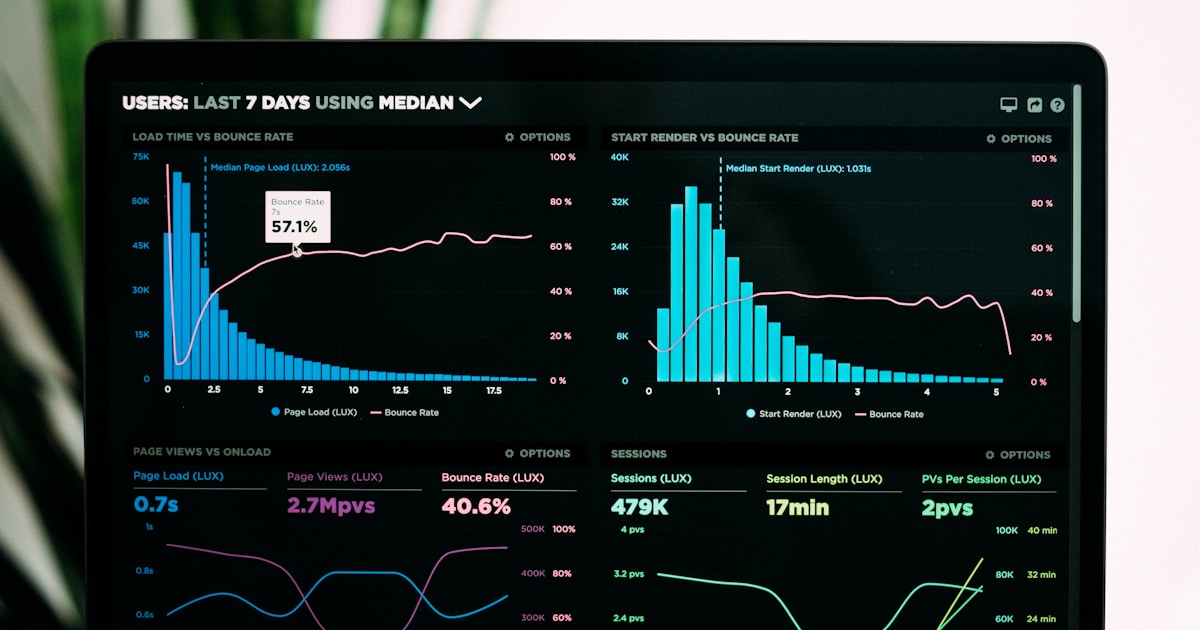 Without a CDP, customer data lives in isolated silos preventing unified customer understanding.
The problem CDPs solve:
Typical marketing stack without CDP:
- Website analytics in Google Analytics
- Email engagement in Mailchimp
- Purchase history in Shopify
- Customer support in Zendesk
- Mobile app data in Firebase
- CRM data in Salesforce
The result: Six different, incomplete versions of each customer. No single system knows:
- What they browsed on your website
- What emails they opened
- What products they purchased
- What support issues they had
- How they use your mobile app
- Their complete journey from awareness to customer
The impact on marketing:
Without CDP:
- Send same email to customers who already purchased
- Can't personalize website based on email engagement
- Retarget customers who already converted
- Can't measure true customer lifetime value
- Attribution is incomplete and inaccurate
With CDP:
- Unified customer profiles enable true personalization
- Eliminate redundant, irrelevant messaging
- Understand complete customer journeys
- Accurate attribution across all touchpoints
- Precise segmentation and targeting
CDPs transform fragmented data into actionable customer intelligence.
CDP vs CRM vs DMP: What's the Difference?
 Understanding the differences between CDPs, CRMs, and DMPs clarifies each tool's role in your marketing stack.
These three acronyms are frequently confused. Here's the distinction:
Customer Relationship Management (CRM)
Purpose: Manage sales relationships and customer interactions Data: Known customers only (name, email, company, deal stage) Use cases: Sales pipeline management, customer support, contact management Examples: Salesforce, HubSpot, Pipedrive
Key difference from CDP: CRMs focus on known, identified customers and sales processes. CDPs track both anonymous and known users across all touchpoints.
Data Management Platform (DMP)
Purpose: Manage anonymous audience data for advertising Data: Anonymous cookies and device IDs, typically third-party data Use cases: Audience targeting for display ads, look-alike modeling Examples: Adobe Audience Manager, Oracle BlueKai
Key difference from CDP: DMPs handle anonymous, aggregated data for advertising. CDPs handle individual, first-party customer data for personalization. DMPs are declining due to cookie deprecation; CDPs are growing.
Customer Data Platform (CDP)
Purpose: Unify all customer data for personalization and analytics Data: Both anonymous and known customers, all first-party data Use cases: Personalization, segmentation, analytics, marketing automation Examples: Segment, mParticle, Bloomreach
The integration: Modern marketing stacks often use all three:
- CDP unifies customer data
- CRM manages sales relationships
- DMP (increasingly optional) handles paid advertising
CDPs serve as the data foundation that powers everything else.
When Do You Need a CDP?
 Not every company needs a CDP. Use this framework to determine if a CDP is right for your situation.
CDPs are powerful but not universally necessary. Consider a CDP when:
Strong Signals You Need a CDP
1. Multi-channel customer journeys: Your customers interact with you across 3+ channels (website, app, email, social, store) and you need unified view of their behavior.
2. Personalization at scale: You want to personalize experiences based on behavior across channels (e.g., show website content based on email opens).
3. Data silos causing problems: Marketing, product, and analytics teams can't answer basic questions about customer behavior because data lives in separate systems.
4. Attribution is broken: You can't accurately measure marketing ROI because customer touchpoints aren't connected.
5. Sending irrelevant messages: Customers receive redundant or contradictory messages from different channels because systems don't communicate.
6. Compliance requirements: GDPR, CCPA, or other regulations require centralized customer data management and consent tracking.
You Probably Don't Need a CDP If:
- You have single-channel business (e.g., only email)
- Customer journeys are simple and short
- You have fewer than 10,000 customers
- Your marketing tools already integrate well
- Budget is severely constrained (under
$10k/year for martech) - You haven't mastered basic marketing automation yet
The general rule: If you're asking "do we need a CDP?" the answer is probably "not yet." When you definitely need a CDP, the pain of data silos becomes obvious.
Segment: The Developer-Friendly Data Infrastructure
 Segment pioneered the CDP category with a developer-friendly approach to customer data infrastructure.
Segment (acquired by Twilio) is the most developer-friendly CDP, positioning itself as customer data infrastructure rather than a marketing tool. It's designed for technical teams that want control and flexibility.
Key Strengths
Single API for All Data Collection: Instead of implementing separate analytics SDKs for Google Analytics, Mixpanel, Amplitude, Facebook, etc., implement Segment once and route data to any destination.
How it works:
- Integrate Segment SDK (one implementation)
- Configure destinations in Segment UI (no code)
- Data flows to all tools automatically
- Add/remove tools without code changes
Why this matters: Reduce engineering time by 80% when adding new marketing tools. Switch vendors without re-implementing tracking.
Twilio Integration: Since Twilio's acquisition, Segment integrates deeply with Twilio's communication tools:
- SendGrid (email)
- Twilio SMS and voice
- Customer engagement platform
Result: Unified customer data powers all communication channels.
Protocols (Data Quality): Segment Protocols enforces data quality:
- Define tracking plan (what events/properties are allowed)
- Block invalid data at collection time
- Ensure consistency across teams and platforms
- Prevent garbage data from polluting your systems
Why this matters: Bad data is worse than no data. Protocols ensures data quality from day one.
Personas (Identity Resolution): Segment's identity resolution stitches together:
- Anonymous website visitors
- Mobile app users
- Email recipients
- Known customers
Across devices and sessions to create unified customer profiles.
350+ Integrations: Send data to virtually any tool:
- Analytics (Google Analytics, Mixpanel, Amplitude)
- Marketing (Mailchimp, HubSpot, Marketo)
- Advertising (Facebook, Google Ads, TikTok)
- Warehouses (Snowflake, BigQuery, Redshift)
Best For
- Technical teams comfortable with code-first tools
- Fast-growing startups needing flexibility
- Product-led companies tracking user behavior
- Companies using Twilio for communications
Pricing (2026)
Segment doesn't publish pricing — contact sales.
Typical ranges:
- Free: 1,000 monthly tracked users (limited features)
- Team: ~
$120/month (starts at 2,500 MTU) - Business: ~
$1,000+/month (advanced features, higher volume) - Enterprise: Custom (dedicated support, SLAs)
Pricing scales based on Monthly Tracked Users (MTU).
Drawbacks
Technical complexity: Requires developer resources to implement Marketing features: Less marketing-specific functionality than competitors Price: Can become expensive at scale UI: Less intuitive for non-technical marketers
Verdict: Choose Segment if you have engineering resources and want maximum flexibility and control over your customer data infrastructure.
mParticle: The Mobile-First CDP
 mParticle specializes in mobile app data collection and unification for app-focused businesses.
mParticle was built specifically for mobile app companies, though it now supports web and other channels. It's the go-to CDP for businesses where mobile app experience is critical.
Key Strengths
Mobile-First Architecture: mParticle was designed for mobile from the ground up:
- Native SDKs for iOS and Android
- Optimized for mobile data patterns
- Low battery and bandwidth impact
- Offline data collection and syncing
Why this matters: Unlike web-first CDPs adapted for mobile, mParticle handles mobile nuances expertly.
Real-Time Data Processing: mParticle processes and forwards data in real-time:
- Events available to downstream tools immediately
- Enable instant personalization
- Real-time audience membership updates
- Immediate trigger-based actions
Speed comparison: Batch CDPs process data hourly or daily. mParticle processes within seconds.
Identity Resolution: mParticle excels at mobile identity challenges:
- Cross-device tracking (iOS, Android, web)
- App install attribution
- Post-IDFA identity (Apple's privacy changes)
- Deterministic and probabilistic matching
Data Quality Management: Similar to Segment's Protocols:
- Define data plans
- Validate data quality at collection
- Alert on schema violations
- Ensure consistency across platforms
300+ Integrations: Comprehensive integration ecosystem:
- Marketing and advertising tools
- Analytics platforms
- Data warehouses
- Customer engagement platforms
Best For
- Mobile app companies where app is primary experience
- E-commerce with significant mobile commerce
- Media/entertainment apps (streaming, gaming, content)
- FinTech apps with complex mobile experiences
Pricing (2026)
mParticle doesn't publish pricing — contact sales.
Typical ranges:
- Starter: ~
$500/month (basic features, limited volume) - Growth: ~
$2,000/month (advanced features, moderate volume) - Enterprise:
$5,000+/month (full features, high volume)
Pricing based on Monthly Tracked Users and data volume.
Drawbacks
Price: More expensive than Segment at comparable scale Complexity: Steeper learning curve Web experience: Mobile-first means web features are secondary Overkill: If you don't have significant mobile app usage, mParticle's strengths don't matter
Verdict: Choose mParticle if your business is mobile-first and mobile app experience is critical to customer satisfaction and revenue.
Bloomreach: The Marketing-First CDP
 Bloomreach combines CDP capabilities with built-in marketing tools for comprehensive customer engagement.
Bloomreach (formerly Exponea) takes a different approach: rather than pure data infrastructure, it combines CDP with marketing execution tools. It's a complete customer engagement platform.
Key Strengths
Unified Platform: Unlike Segment and mParticle (which send data to other tools), Bloomreach includes:
- Customer data platform
- Email marketing
- SMS and push notifications
- Web personalization
- Product recommendations
- Marketing automation
Why this matters: No need to integrate separate tools for execution — everything is built-in.
AI-Powered Personalization: Bloomreach's AI drives:
- Product recommendations (e-commerce)
- Content recommendations (media/publishing)
- Email send-time optimization
- Subject line optimization
- Predictive analytics (churn, LTV, next purchase)
E-commerce Focus: Built specifically for e-commerce and retail:
- Shopping cart abandonment
- Browse abandonment
- Post-purchase campaigns
- Win-back campaigns
- Loyalty programs
Pre-built use cases: Deploy sophisticated e-commerce campaigns without starting from scratch.
Web Personalization: On-site personalization without developers:
- Personalized banners and content
- Product recommendations
- Dynamic content based on behavior
- A/B testing built-in
Omnichannel Orchestration: Create customer journeys across:
- SMS
- Push notifications
- Web personalization
- In-app messages
With unified reporting showing performance across all channels.
Best For
- E-commerce companies (Bloomreach's sweet spot)
- Retail brands with online and offline presence
- Marketing teams wanting all-in-one platform
- Companies without extensive technical resources
Pricing (2026)
Bloomreach doesn't publish pricing — contact sales.
Typical ranges:
- Mid-market: ~
$2,500-5,000/month (full platform access) - Enterprise:
$10,000+/month (higher volume, dedicated support)
Pricing based on contacts, email volume, and features used.
Drawbacks
E-commerce focus: Less ideal for SaaS, B2B, or non-retail businesses All-in-one limitations: Less flexible than best-of-breed tool approach Migration: Replacing multiple tools is complex Vendor lock-in: Harder to switch platforms when everything is integrated
Verdict: Choose Bloomreach if you're an e-commerce company wanting an all-in-one customer engagement platform rather than assembling multiple tools.
Feature Comparison Matrix
 Side-by-side comparison reveals each CDP's strengths and ideal use cases.
| Feature | Segment | mParticle | Bloomreach |
|---|---|---|---|
| Data Collection | ★★★★★ | ★★★★★ | ★★★★☆ |
| Identity Resolution | ★★★★☆ | ★★★★★ | ★★★★☆ |
| Real-Time Processing | ★★★☆☆ | ★★★★★ | ★★★★☆ |
| Mobile Capabilities | ★★★☆☆ | ★★★★★ | ★★★☆☆ |
| Marketing Tools | ★★☆☆☆ | ★★☆☆☆ | ★★★★★ |
| E-commerce Features | ★★☆☆☆ | ★★★☆☆ | ★★★★★ |
| Integrations | ★★★★★ | ★★★★★ | ★★★☆☆ |
| Developer-Friendly | ★★★★★ | ★★★★☆ | ★★★☆☆ |
| Marketer-Friendly | ★★★☆☆ | ★★☆☆☆ | ★★★★★ |
| Value for Money | ★★★★☆ | ★★★☆☆ | ★★★★☆ |
| Best For | Flexibility | Mobile | E-commerce |
How to Choose the Right CDP
 Follow this framework to identify which CDP best matches your business needs and technical capabilities.
Start with Business Model
E-commerce/Retail: → Bloomreach (built for your use case)
Mobile app business: → mParticle (mobile-first architecture)
SaaS/B2B: → Segment (flexible infrastructure)
Media/Publishing: → Segment or Bloomreach (depending on monetization)
Evaluate Technical Resources
Strong engineering team: → Segment or mParticle (flexibility and control)
Limited technical resources: → Bloomreach (all-in-one, less integration work)
Balanced team: → Any platform can work; choose based on features
Consider Integration Needs
Best-of-breed stack (using specialized tools): → Segment (most integrations)
Want all-in-one platform: → Bloomreach (built-in marketing tools)
Mobile-focused tech stack: → mParticle (mobile-native integrations)
Budget Considerations
Under $1,000/month:
Consider if you actually need a CDP yet. May be too early.
$1,000-3,000/month:
Segment or mParticle starter plans
$3,000-10,000/month:
Any platform, choose based on features
$10,000+/month:
Enterprise tier of any platform, extensive support
Implementation: What to Expect
 CDP implementations typically take 3-6 months from purchase to full deployment.
Typical Implementation Timeline
Month 1: Planning & Setup
- Define tracking plan (what data to collect)
- Map customer journey touchpoints
- Identify priority integrations
- Set up CDP account and basic tracking
Month 2: Data Collection
- Implement tracking code (web, mobile, server)
- Configure source integrations
- Set up identity resolution rules
- Begin data validation
Month 3: Integration & Activation
- Connect destination tools
- Configure data forwarding
- Set up audiences/segments
- Test end-to-end data flow
Month 4-6: Optimization & Scale
- Launch initial use cases
- Measure impact and ROI
- Iterate and improve
- Scale to additional use cases
Reality check: Few companies execute perfectly in this timeline. Plan for 6-12 months to see substantial ROI.
Resource Requirements
Segment or mParticle:
- 1-2 developers (3-6 months, decreasing over time)
- 1 data analyst
- Marketing stakeholders for requirements
Bloomreach:
- 1 technical implementation specialist
- 2-3 marketers to configure campaigns
- Less developer involvement ongoing
Real-World Use Cases
 Real-world examples illustrate how CDPs solve specific business problems and drive measurable results.
Use Case 1: E-commerce Cart Abandonment
Problem: Customer adds products to cart on mobile app, abandons, returns via desktop web days later. Without CDP, website doesn't know about abandoned cart.
CDP Solution:
- CDP tracks cart abandonment on mobile app
- Unified profile updates across all channels
- Website recognizes returning customer
- Displays personalized banner: "Complete your purchase"
- Email campaign also triggers with cart contents
Result: 30% increase in recovered abandoned carts
Use Case 2: Cross-Channel Attribution
Problem: Customer journey spans multiple touchpoints (Facebook ad → website visit → email open → customer support → purchase). Attribution is impossible with siloed data.
CDP Solution:
- CDP tracks all touchpoints in unified profile
- Identity resolution connects anonymous and known activity
- Complete customer journey visible in analytics
- Accurate multi-touch attribution
Result: Marketing spend reallocated based on true channel performance, 25% improvement in CAC
Use Case 3: Personalized Onboarding
Problem: SaaS company sends generic onboarding emails regardless of how users actually engage with product.
CDP Solution:
- CDP collects product usage data from application
- Unifies with email engagement data
- Triggers personalized emails based on actual behavior
- "Haven't set up feature X" vs "Power user" paths
Result: 40% increase in activation rate, 20% reduction in churn
CDP Integration with Marketing Stack
 CDPs work best when integrated into comprehensive marketing automation systems.
CDPs are infrastructure that powers your marketing tools. To maximize ROI, integrate with:
Marketing Automation: Send unified customer data to platforms like HubSpot, Marketo, or ActiveCampaign for sophisticated automated campaigns. See our guide on AI marketing automation.
Analytics: Feed complete customer data into analytics platforms for accurate reporting and attribution. Learn more about tracking marketing ROI.
Personalization: Power website, email, and app personalization with real-time customer data.
Advertising: Build custom audiences and lookalikes based on complete customer profiles.
Data Warehouse: Export unified customer data to warehouses like Snowflake or BigQuery for advanced analysis.
Common CDP Mistakes to Avoid
Avoiding these common pitfalls ensures your CDP implementation delivers expected ROI.
Collecting everything without a plan: Data collection without purpose creates noise, not insights. Start with specific use cases and expand.
Ignoring data quality: Garbage in, garbage out. Implement data validation from day one.
Expecting instant ROI: CDP benefits compound over time as data accumulates and use cases expand. Plan for 6-12 month ROI horizon.
Technical implementation without business buy-in: Engineers implement CDP but marketers don't use it. Ensure marketing team is aligned and trained.
Not defining ownership: CDPs span multiple teams (marketing, product, engineering, analytics). Assign clear ownership.
Over-engineering the solution: Start simple with high-value use cases. Complexity can wait.
Frequently Asked Questions
Common questions about customer data platforms and implementation.
How is a CDP different from a data warehouse?
Data Warehouse: Stores historical data for analysis and reporting. Data flows in but doesn't flow back out to operational tools.
CDP: Collects, unifies, and activates customer data. Data flows in and back out to marketing tools for real-time action.
You often need both: Data warehouse for analytics, CDP for operational marketing.
Can small businesses benefit from CDPs?
Most small businesses (under 10,000 customers) don't need a full CDP. Alternatives:
- Use marketing automation platforms with decent integration
- Zapier for simple data routing
- CRM with marketing features (HubSpot)
When small businesses should consider CDPs: Fast growth, complex multi-channel journeys, mobile app business.
How long does CDP implementation take?
Minimum viable implementation: 1-3 months Full deployment across channels: 3-6 months Mature, optimized use: 12-18 months
Don't expect instant transformation. CDPs are infrastructure investments that pay off over time.
What about customer privacy and compliance?
Modern CDPs include privacy features:
- Consent management
- Data deletion (GDPR "right to be forgotten")
- Data access requests
- Regional data storage
- Audit trails
Key requirement: Implement privacy controls from day one, not as an afterthought.
Do we need developers to use a CDP?
Segment and mParticle: Yes, developers are essential for implementation and ongoing management.
Bloomreach: Less developer involvement; marketers can manage more independently.
The trade-off: Developer-required platforms offer more flexibility; marketer-friendly platforms are faster to value but less flexible.
Can we switch CDPs later if needed?
Technically yes, but it's painful:
- Re-implement tracking across all properties
- Reconfigure all integrations
- Migrate historical data (if possible)
- Retrain team on new platform
Recommendation: Choose carefully upfront. Switching CDPs is a major project.
The Verdict: Which CDP Should You Choose?
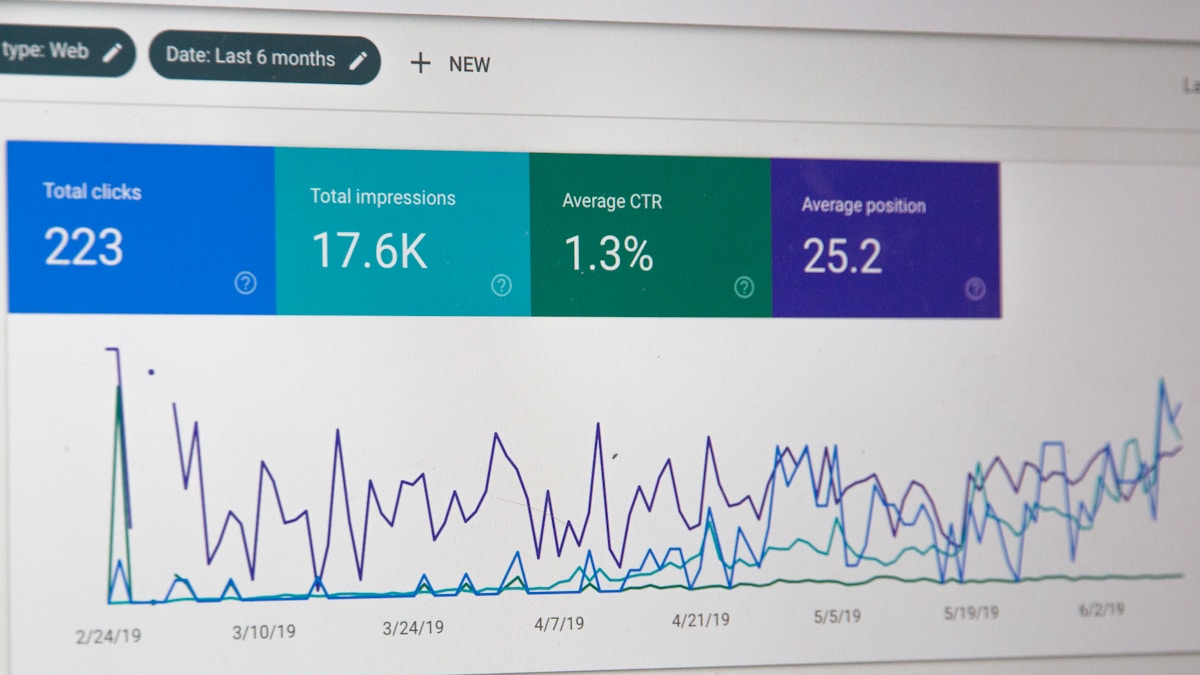 The right CDP depends on your business model, technical resources, and specific use cases.
Choose Segment if:
- You need maximum flexibility and control
- You have engineering resources
- You're building best-of-breed marketing stack
- Product and marketing both need customer data
- You're already using or planning to use Twilio
Choose mParticle if:
- Mobile app is your primary customer experience
- Real-time data processing is critical
- You need sophisticated mobile attribution
- Your business is app-first (gaming, media, fintech)
- Budget supports premium pricing
Choose Bloomreach if:
- You're an e-commerce or retail business
- You want all-in-one customer engagement platform
- Marketing team wants self-service capabilities
- Limited engineering resources
- You're replacing multiple point solutions
For most B2B SaaS companies: Start with Segment for flexibility and developer control.
For mobile-first consumer businesses: mParticle's mobile expertise is worth the premium.
For e-commerce and retail: Bloomreach's vertical focus and built-in tools provide fastest time-to-value.
Getting Started with CDPs
 A structured approach ensures successful CDP adoption and ROI realization.
Before You Buy
1. Audit your current data situation:
- What customer data do you collect?
- Where does it live?
- Who needs access to it?
- What use cases would unified data enable?
2. Define success metrics:
- What business outcomes do you expect?
- How will you measure CDP ROI?
- What KPIs will improve?
3. Get organizational buy-in:
- Marketing, product, engineering, and analytics alignment
- Budget approval
- Resource allocation (people and time)
First 90 Days After Implementation
Days 1-30: Foundation
- Implement core tracking
- Validate data quality
- Begin identity resolution
Days 31-60: Integration
- Connect priority destination tools
- Set up initial segments/audiences
- Launch pilot use cases
Days 61-90: Optimization
- Measure pilot results
- Iterate and improve
- Plan expansion to additional use cases
The key: Start focused, measure results, scale what works.
The Future of Customer Data Platforms
CDPs continue evolving with new capabilities emerging as marketing technology advances.
Emerging trends in 2026:
AI-powered insights: CDPs increasingly use AI to:
- Predict customer behavior (churn, LTV, next purchase)
- Recommend next-best actions
- Automatically optimize campaigns
- Surface unexpected insights
Privacy-first data: As third-party cookies disappear:
- First-party data becomes more valuable
- CDPs are essential for identity resolution
- Privacy-preserving techniques (differential privacy, federated learning) emerge
Real-time decisioning: CDPs evolve from batch processing to real-time:
- Instant personalization
- Trigger-based actions
- In-the-moment customer engagement
Composable architecture: CDPs become modular:
- Use only components you need
- Replace pieces independently
- Avoid vendor lock-in
The future of marketing is data-driven personalization at scale. CDPs are the infrastructure making that future possible.
Conclusion: Is a CDP Right for You?
CDPs are powerful infrastructure, but not every company needs one today.
You need a CDP if:
- Multi-channel customer journeys are complex
- Data silos prevent effective personalization
- You're ready to invest 6-12 months for ROI
- You have budget (
$1,000+/month) and resources
You don't need a CDP yet if:
- Single-channel business
- Simple customer journeys
- Limited technical resources
- Haven't mastered basic marketing automation
The bottom line: CDPs are transformative for the right companies at the right stage. But they're infrastructure investments that require commitment, resources, and time to deliver ROI.
Ready to unify your customer data?
- Audit your current data situation and identify gaps
- Define specific use cases a CDP would enable
- Request demos from 2-3 vendors that fit your needs
- Run proof-of-concept with priority use case
- Measure results and scale implementation
For more guidance on building data-driven marketing systems, explore our guides on B2B lead generation and marketing automation for SaaS.
More Articles

A/B Testing Your Email Campaigns: Statistical Significance Guide
Master A/B testing for email marketing with this guide to statistical significance, sample sizes, and avoiding common testing mistakes.

Best Email Marketing Automation Platforms for 2026
Compare the top email marketing automation platforms in 2026. Find the perfect solution for your business with our comprehensive guide.

How to Build Customer Journeys That Convert
Learn how to design and implement customer journeys that guide prospects from awareness to purchase with marketing automation best practices.