Google Ads Automation & Smart Bidding: The Complete 2026 Guide

Google Ads in 2026 is an automation-first platform. Manual CPC bidding and granular keyword micromanagement are increasingly giving way to machine learning-driven campaigns that optimize in real time. But automation isn't "set it and forget it" — understanding how to configure, guide, and audit automated bidding is the difference between campaigns that scale profitably and ones that burn budget.
This guide breaks down everything you need to know about Google Ads automation and Smart Bidding for 2026.
Google's automation tools require strategic configuration — they amplify your decisions, good or bad.
Why Google Ads Automation Matters Now
Google processes over 8.5 billion searches per day. The auction for each query runs in milliseconds, factoring in hundreds of signals: device, location, time of day, search history, intent, and more. No human bidding strategy can process that complexity at scale — but Google's machine learning can.
The upside: campaigns managed with Smart Bidding consistently outperform manual bidding when properly configured. Studies show Target ROAS and Target CPA campaigns generate 20–35% better efficiency than manual CPC when given sufficient data.
The downside: automation requires data. Under-volume campaigns and accounts with less than ~50 conversions per month often see worse performance with Smart Bidding than with manual control.
Smart Bidding Strategies Explained
1. Target CPA (Cost Per Acquisition)
Tells Google to find conversions at or below your target cost. Best for:
- Lead generation campaigns
- App installs
- Accounts with consistent conversion data (50+ conversions/month recommended)
Configuration tip: Set your target CPA 10–20% above your historical average CPA when launching. This gives the algorithm enough room to learn before tightening the target.
2. Target ROAS (Return on Ad Spend)
Optimizes for revenue, not just conversions. Google needs revenue values passed back via conversion tracking. Best for:
- E-commerce with consistent product margins
- Accounts with 50+ conversion events per month
- Campaigns where different products/services have different values
Key rule: Your Target ROAS should be achievable — setting it too high causes under-delivery. If historical ROAS is 400%, don't launch at 600%.
3. Maximize Conversions
Spends your full budget to get as many conversions as possible with no specific CPA target. Best for:
- New campaigns with no historical data
- Budget-constrained accounts (tells the algorithm to spend what's available)
- Awareness/trial acquisition campaigns
Watch out for: Volume can spike while efficiency drops. Add a Max CPA cap (available as an optional constraint) to protect performance.
4. Maximize Conversion Value
Like Maximize Conversions but optimizes for revenue/value rather than volume. Ideal when product lines have varying margins and you want Google to prioritize high-value orders.
5. Enhanced CPC (eCPC)
A hybrid: you set manual bids, Google adjusts them up or down based on conversion likelihood signals. A good "training wheels" approach for accounts transitioning from fully manual to full Smart Bidding.
Performance Max Campaigns
 Performance Max campaigns run across all Google channels — search, display, YouTube, Discover, Gmail, and Maps.
Performance Max (PMax) is Google's flagship automation product. Instead of campaign type-by-type management, one PMax campaign runs across all Google channels simultaneously, optimizing where to show your ads in real time.
How PMax Works
You provide:
- Asset groups: Headlines, descriptions, images, videos, logos
- Audience signals: Lists of your best customers, similar audiences, in-market segments
- Conversion goals: What you're optimizing for
Google's algorithm distributes spend across Search, Shopping, Display, YouTube, Discover, Gmail, and Maps based on where conversions are most likely to occur.
PMax Best Practices
1. Feed it strong audience signals PMax uses signals as starting hints, not strict targeting. Feed it:
- Customer match lists (email lists of existing customers)
- Website remarketing segments
- "People similar to" your best customers
2. Use high-quality creative assets PMax generates ad combinations from your assets. Provide at least:
- 5 headlines (varied, not repetitive)
- 5 descriptions
- 3+ landscape images, 3+ square images
- 1 logo in both landscape and square format
- Video is strongly recommended — campaigns without video will have video auto-generated
3. Segment by business goal, not product category Create separate PMax campaigns for separate conversion goals (e.g., lead gen vs. e-commerce purchase) rather than mixing objectives in one campaign.
4. Give it data before judging PMax needs 4–6 weeks of data before the algorithm stabilizes. Evaluate performance after the learning phase, not during it.
When NOT to Use PMax
- Very small budgets (under $1,000/month) — PMax needs volume to optimize
- Highly brand-sensitive campaigns where you need tight message control
- Granular negative keyword control requirements (PMax negative keywords are limited)
Automated Rules and Scripts
Beyond Smart Bidding, Google Ads offers two tools for automating manual tasks:
Automated Rules
Rules run on schedules (hourly, daily, weekly) and trigger actions when conditions are met:
IF: Campaign CPA > $50 AND Date = Last 7 Days
THEN: Decrease bids by 15%

IF: Campaign impression share < 50% AND Campaign spend < $100
THEN: Increase daily budget by 20%

IF: Ad serving = "Below first page bid"
THEN: Raise keyword bid to first page estimate
Automated rules are simple, built-in, and require no coding. Use them for budget management, bid adjustments, and alerting.
Google Ads Scripts
Scripts are JavaScript programs that run within Google Ads, enabling more complex automation:
- Bid-by-weather: Increase bids when it's raining (perfect for umbrellas, food delivery)
- Day-parting automation: Adjust bids by hour based on historical conversion rates
- Budget pacing: Distribute budget evenly throughout the day/month
- Performance alerting: Email alerts when metrics fall outside acceptable ranges
- Competitor monitoring: Track impression share fluctuations
Scripts require basic JavaScript knowledge but Google's script library contains pre-built solutions for most common use cases. Access: Tools & Settings → Bulk Actions → Scripts.
Conversion Tracking: The Foundation of All Automation
Every automated bidding strategy lives or dies by your conversion tracking. Poor tracking = poor optimization.
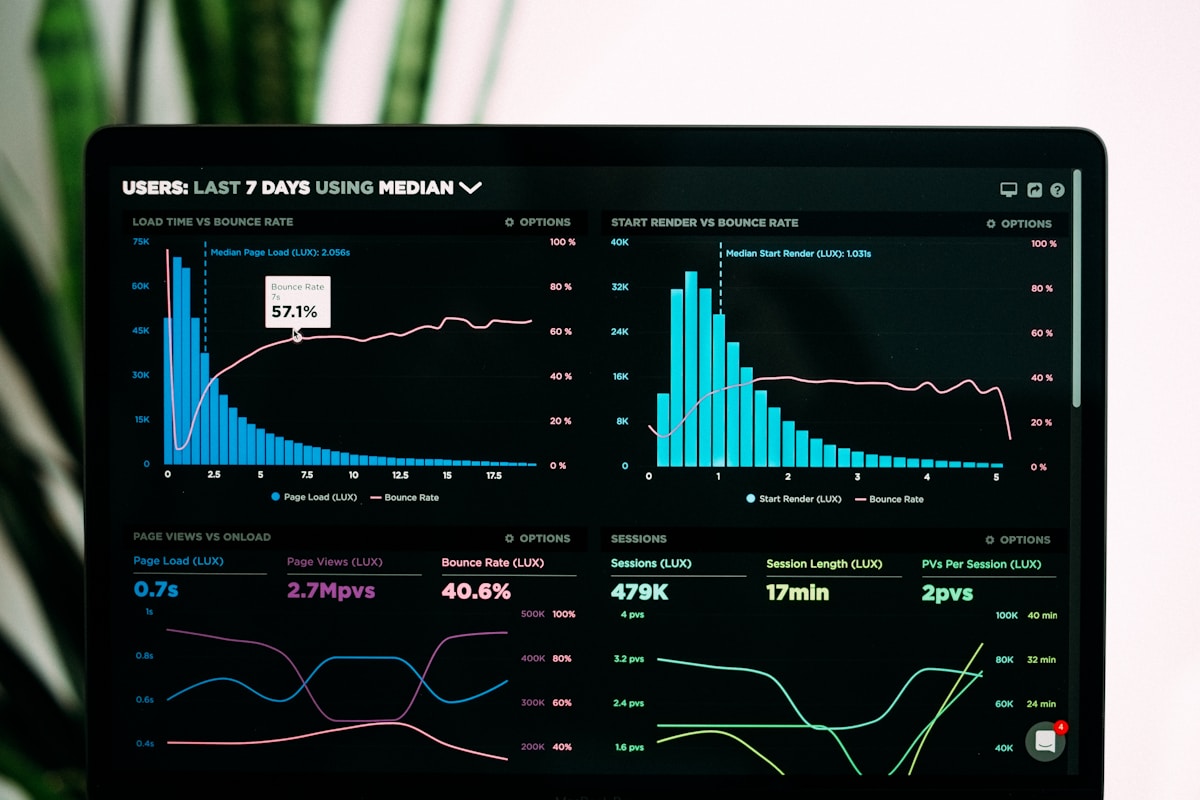 Accurate conversion tracking is the single most important factor in Smart Bidding performance.
Essential Setup Checklist
- Google Ads conversion tag firing on all thank-you/confirmation pages
- Dynamic values passed for purchase/revenue conversions
- Import key Google Analytics 4 goals into Google Ads
- Remove duplicate conversion actions (especially if importing from GA4 AND using native tags)
- Set conversion windows appropriate to your sales cycle (30-day default is too short for B2B)
- Test with Google Tag Assistant — verify values are passing correctly
The #1 mistake: Counting page views or session events as "conversions." This floods the algorithm with meaningless signals. Only track true conversion actions.
Attribution Models in 2026
Google has deprecated last-click attribution in favor of data-driven attribution (DDA) as the default for all campaigns. DDA uses machine learning to assign fractional credit across touchpoints in the path to conversion.
Why this matters for automation: Smart Bidding uses the conversion data it receives to optimize. If you're on last-click attribution, you're undervaluing upper-funnel keywords that assist conversions. Switch to DDA in your conversion action settings.
Common Automation Mistakes
1. Changing targets too frequently Smart Bidding needs 2–4 weeks of data after any significant change. Constant target adjustments prevent the algorithm from ever stabilizing.
2. Ignoring the Recommendations tab uncritically Google's automated recommendations are designed to increase spend, not always to improve profitability. Review each recommendation before applying.
3. Over-segmenting into low-volume campaigns A campaign generating 5 conversions/month cannot run effective Smart Bidding. Consolidate campaigns and ad groups to concentrate conversion data.
4. Using Smart Bidding without conversion value If you run Target ROAS without passing actual revenue data, Google has no way to differentiate between a $20 and a $2,000 order.
Google Ads Automation Stack Recommendation
| Layer | Tool | Purpose |
|---|---|---|
| Bidding | Smart Bidding (Target CPA/ROAS) | Conversion optimization |
| Campaign | Performance Max | Cross-channel reach |
| Rules | Automated Rules | Budget and bid guardrails |
| Scripts | Google Ads Scripts | Advanced custom automation |
| Tracking | GA4 + Google Tag Manager | Conversion data foundation |
| Reporting | Looker Studio | Automated performance dashboards |
Final Thoughts
Google Ads automation in 2026 is genuinely powerful — but only as good as the data and strategic direction you feed it. Master your conversion tracking, give campaigns enough volume to learn, and use Smart Bidding as an amplifier of good strategy rather than a replacement for it.
Brands that get this right consistently see 25–40% better cost efficiency than those still fighting automation with manual bidding. The shift has already happened — make sure you're on the right side of it.
More Articles

A/B Testing Your Email Campaigns: Statistical Significance Guide
Master A/B testing for email marketing with this guide to statistical significance, sample sizes, and avoiding common testing mistakes.

Best Email Marketing Automation Platforms for 2026
Compare the top email marketing automation platforms in 2026. Find the perfect solution for your business with our comprehensive guide.

How to Build Customer Journeys That Convert
Learn how to design and implement customer journeys that guide prospects from awareness to purchase with marketing automation best practices.